How I Use AI to Improve My Sleep Quality
We’ve all heard that technology destroys sleep. But in 2026, that’s only true if you use it wrong.
With the right setup, AI can actually improve sleep quality, reduce stress, and automate your night routine. Here’s the exact minimalist system I use every night to transition from work mode to deep rest—without effort.
1. Digital Sunset: Reduce Screen Stress Instantly
At 8 PM, my AI system automatically activates a digital sunset mode across all devices.
- Switches screens to grayscale
- Filters stressful notifications (emails, work apps)
- Reduces blue light exposure
This simple automation helps my brain disconnect and prepares it for sleep faster.
2. AI-Generated Soundscapes for Deep Relaxation
Instead of static playlists, I use AI to generate personalized ambient soundscapes.
Each night, the system analyzes my stress level and creates a unique audio environment to help me relax.
- Calm tones for high-stress days
- Soft ambient textures for normal days
- Deep-frequency sounds for better sleep
This improves relaxation and helps me fall asleep quicker.
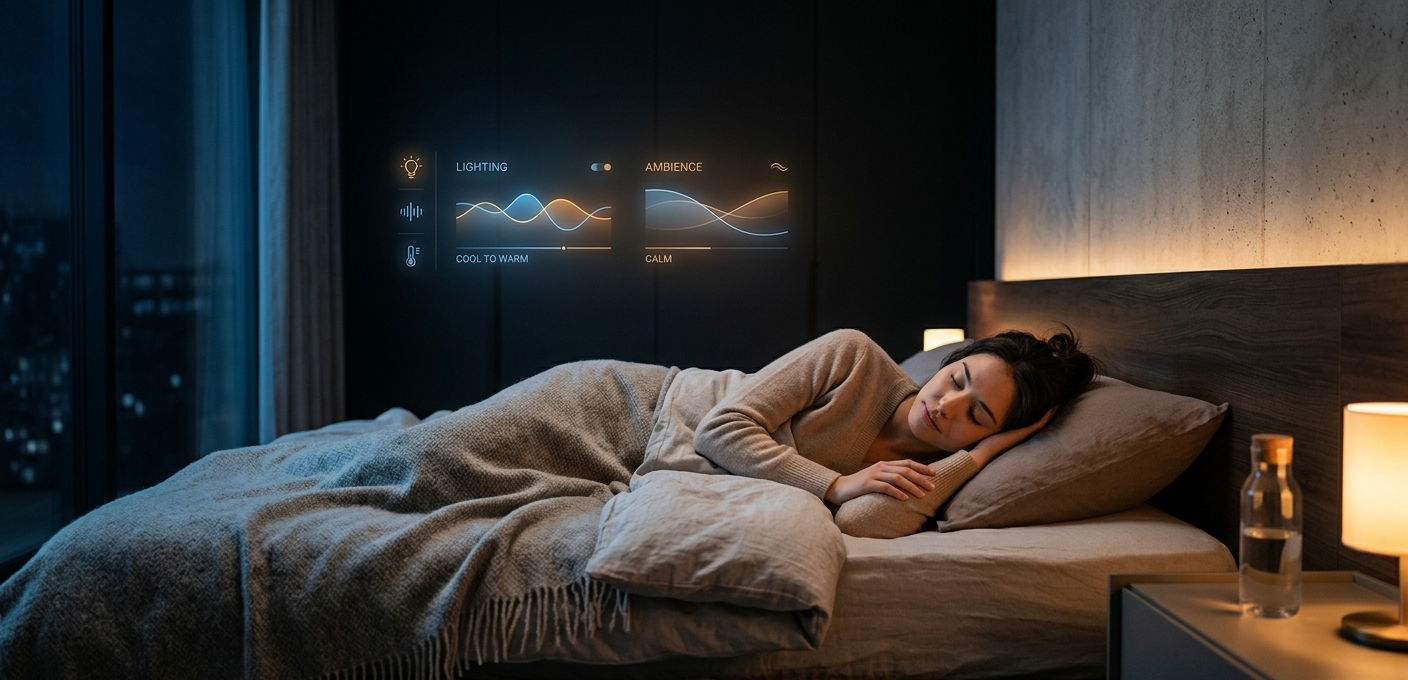
3. Smart Lighting to Boost Melatonin Naturally
Lighting plays a huge role in sleep quality.
My smart setup automatically adjusts throughout the evening:
- Soft cool blue (low intensity) after sunset
- Gradual shift to warm amber tones
- Complete dimming before sleep
This signals my body to produce melatonin naturally and improves sleep depth.
Why This AI Sleep Routine Works
This system works because it removes friction.
- No manual effort
- No decision fatigue
- Fully automated relaxation
Instead of fighting technology, I’ve turned it into a sleep optimization tool.
Final Thoughts
AI doesn’t have to ruin your sleep—it can upgrade it.
Start small: automate your screen settings, improve your lighting, and experiment with AI-generated sound.
Better sleep in 2026 isn’t about doing more.
It’s about automating the right things.